

Seedream 6: The Next ByteDance Image Model
Create images and videos with the newest Seedream models right here, right now — and be first in line for Seedream 6 the moment it goes live.
- Seedream 5.0 Pro live now
- Free credits on signup
- Seedream 6 arrives here first
What Is Seedream 6?
Seedream 6 is the next generation of Seedream, the AI image generation and editing model line from ByteDance’s Seed team. It follows Seedream 5.0 Pro, the layout-focused flagship released in July 2026, and the Seedream 5.5 preview shown in October 2026.
Each Seedream release has pushed further into real design work: 5.0 Pro learned infographics, precise local edits and multi-image fusion, and the 5.5 preview added 80+ rounds of stable editing, native transparent output, 100-layer separation and 4K at 16:9. Seedream 6 is the step after that — and the generator on this page is where you will be able to use it first.
- Developer
- ByteDance Seed team
- Type
- Text-to-image and image editing model
- Follows
- Seedream 5.0 Pro and the 5.5 preview
- Lineage
- Seedream 4.0 → 4.5 → 5.0 → 5.0 Pro → 5.5 → 6
- Release date
- To be announced by ByteDance
- On this site
- Switched on the day it is available
FEATURES
The Seedream Capabilities Seedream 6 Builds On
Seedream 6 starts from one of the strongest image models available. These six capabilities shipped in Seedream 5.0 Pro — and every one of them works in our generator today.
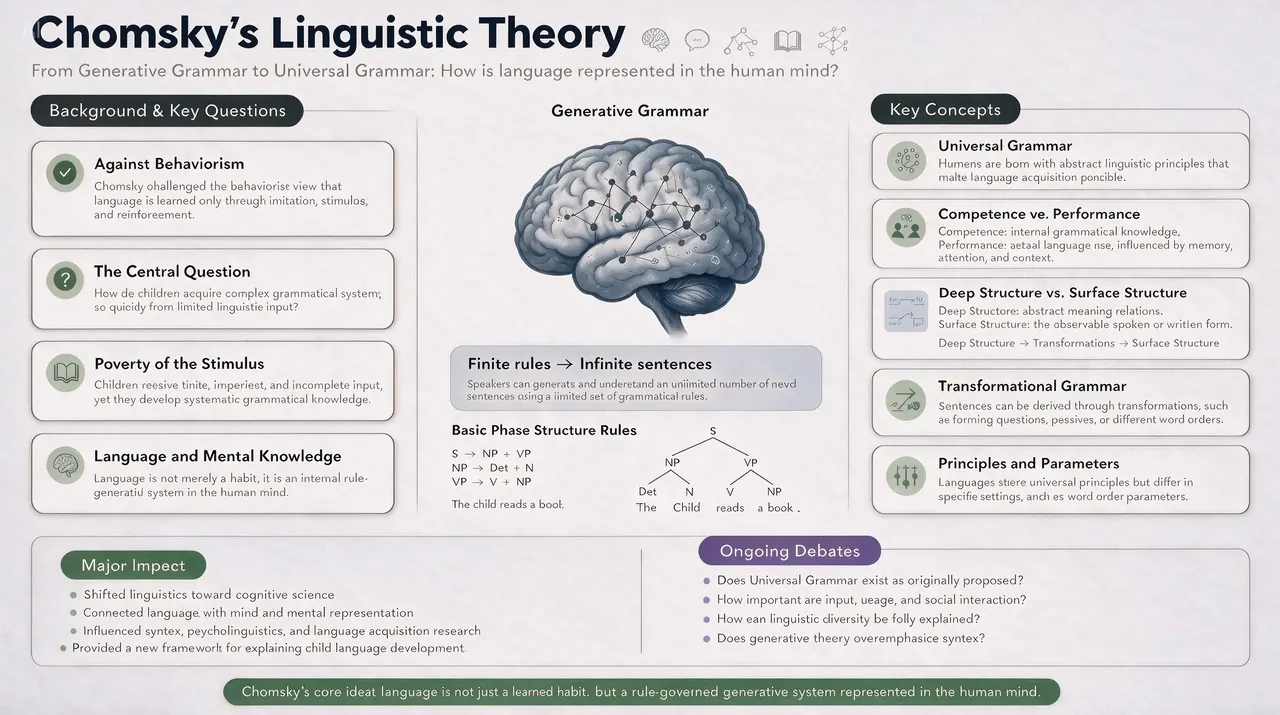
01 · Dense layout
Infographics and dense text
Turns data, concepts and paragraphs of copy into a laid-out graphic in one pass, keeping the hierarchy readable instead of treating text as decoration.
Use cases: Infographics · Slide decks · Report covers
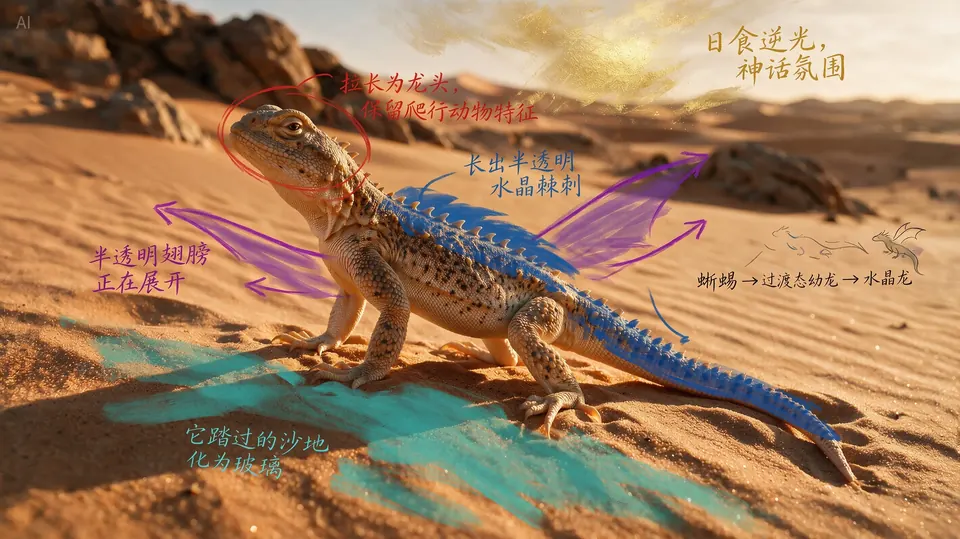
Marked-up input 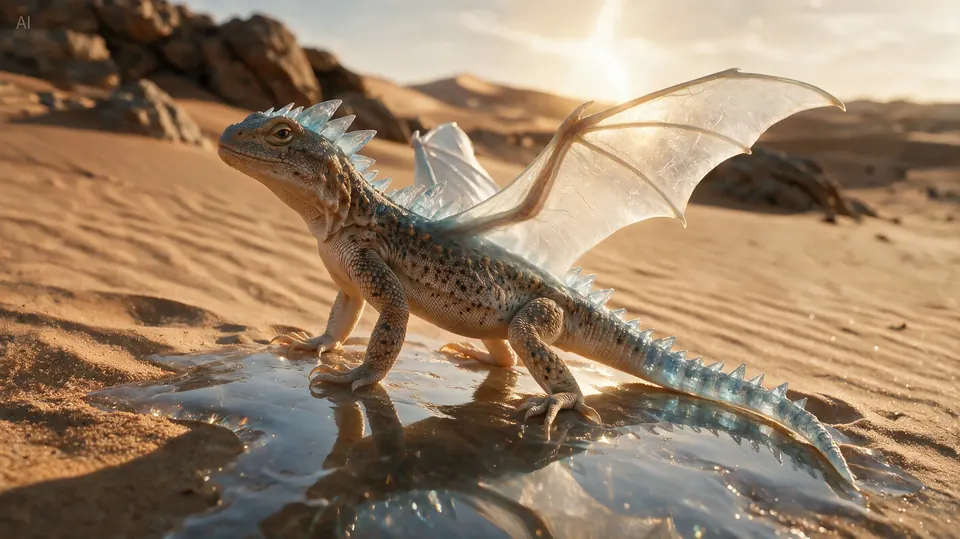
Result 02 · Grounded edits
Precision local editing
Understands where things are in an image, so a point, a lasso, a box or a doodle becomes a local edit: swap an object, recolour it, change its material.
Use cases: Product retouching · Campaign variants · Mockups

03 · Editable assets
Layer separation
Splits a finished composition into independent layers — subject, text, background, props — and fills in what was hidden behind them.
Use cases: Design handoff · Motion reuse · Template remixing

Reference photos 
Result 04 · Multi-source
Multi-image fusion
Takes several reference images plus a base scene and places elements from each into it, rather than generating something loosely inspired by them.
Use cases: Group shots · Collages · Art direction
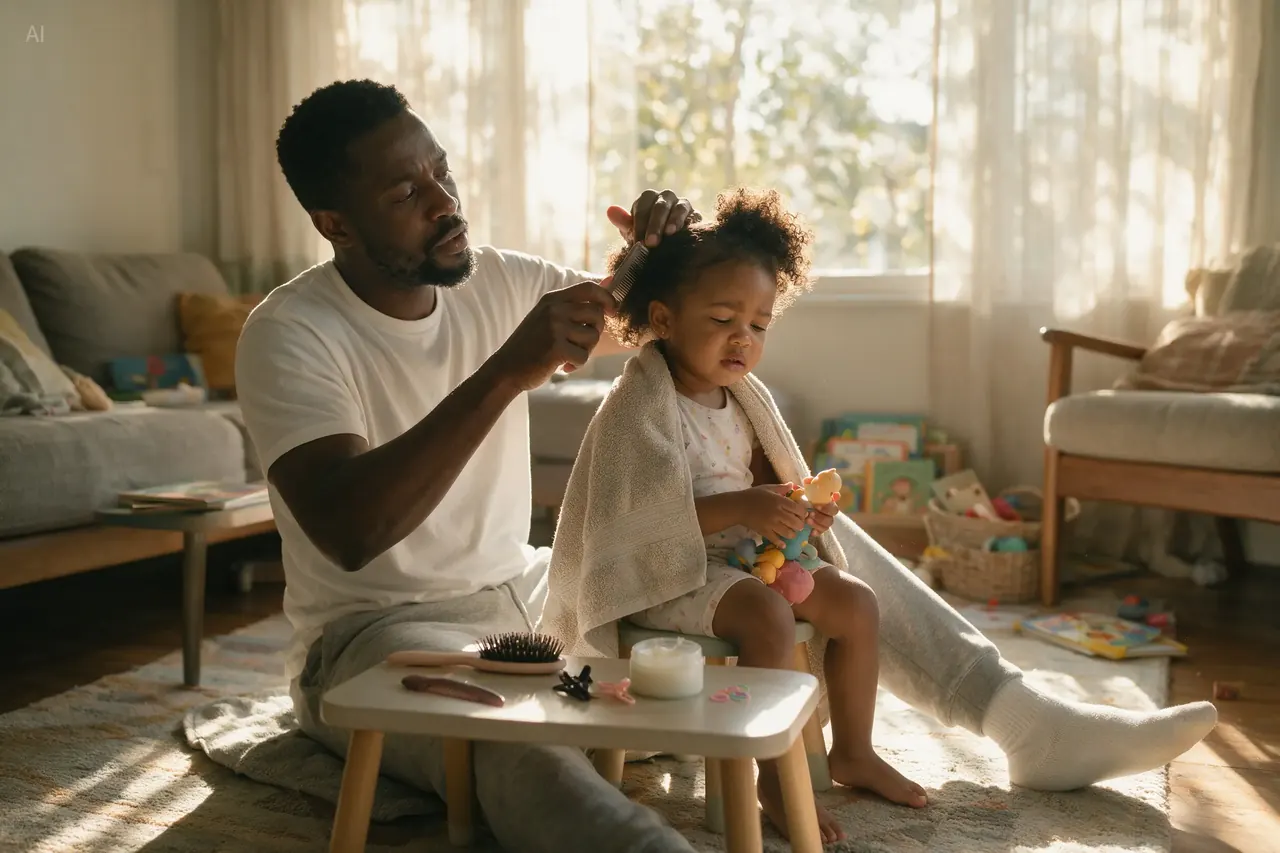
05 · Realism
Light, material and skin
Models reflection, refraction and skin texture against real-world light, which is what separates a usable product or portrait shot from a render.
Use cases: Product shots · Portraits · Advertising
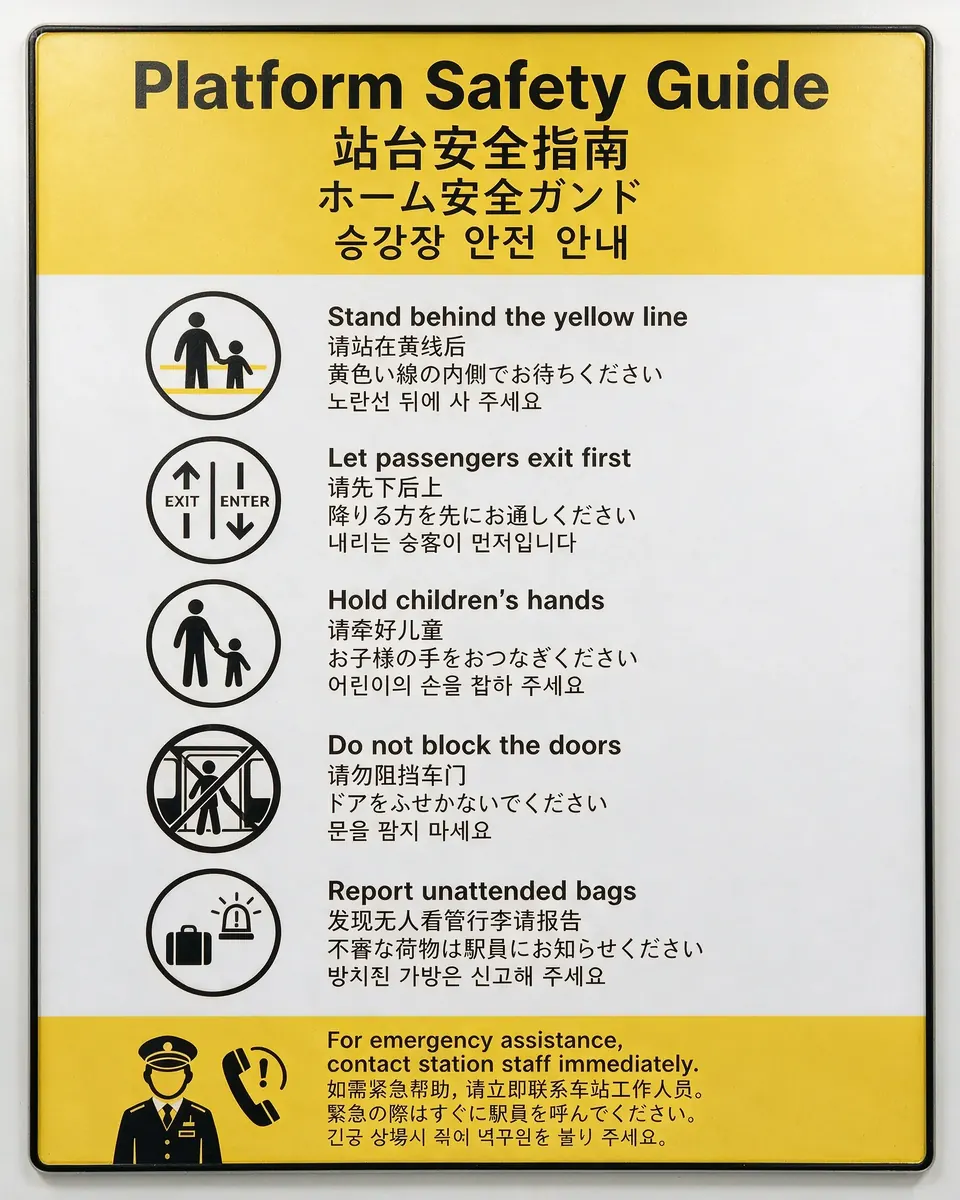
06 · Multilingual
Text in many languages
Accepts prompts in more than ten languages and renders the type accordingly, including right-to-left scripts and accented characters.
Use cases: Localised campaigns · Cross-border stores · Overseas ads
Capabilities as documented by ByteDance for Seedream 5.0 Pro, available now in the image generator. Images are official Seedream 5.0 Pro samples from seed.bytedance.com.
INTERACTIVE EDITING
Sketch It, Mark It Up, Get the Final Image
Scribble notes on a photo, sketch a layout on paper or hand over a finished poster in another language — Seedream reads the marks and returns the edited image. This is the editing workflow Seedream 6 inherits, and you can use it today.
 Input
Input Result
Notes on a photo become the edit
Handwritten notes on the room swap the lighting, the curtains and the art.
 Input
Input Result
A doodle sets the mood
A few strokes turn a sunny street into a rainy night with headlights.
 Input
Input Result
Paper wireframe to landing page
A pen sketch with layout notes becomes a polished web hero.
 Input
Input Result
One poster, another language
An English clinic flyer re-rendered in Arabic, right-to-left layout included.
Official Seedream 5.0 Pro samples from ByteDance (seed.bytedance.com).
SAMPLES
What Seedream Can Make Today
Product shots, posters, localised campaigns, portraits, comics and design assets — the jobs Seedream is built for. Everything below is Seedream 5.0 Pro output: some made in our workbench, some from ByteDance’s official samples. Write a prompt above and make your own in seconds.

Bilingual event poster
English and Chinese type, small date and venue lines
Made on seedream6.dev
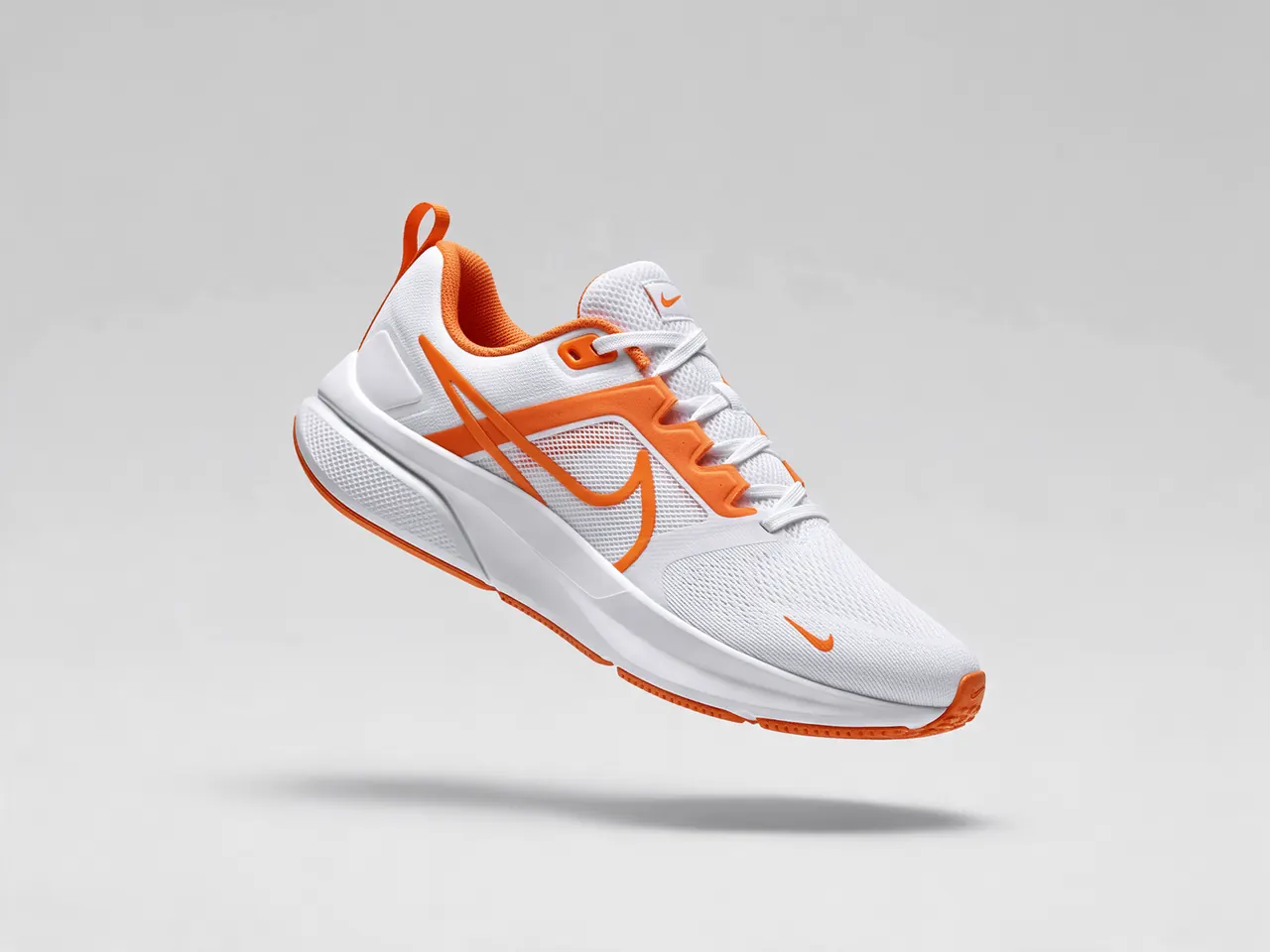
E-commerce product shot
Clean studio background, crisp material detail
Made on seedream6.dev

Sticker sheet
Die-cut design assets on white
Made on seedream6.dev
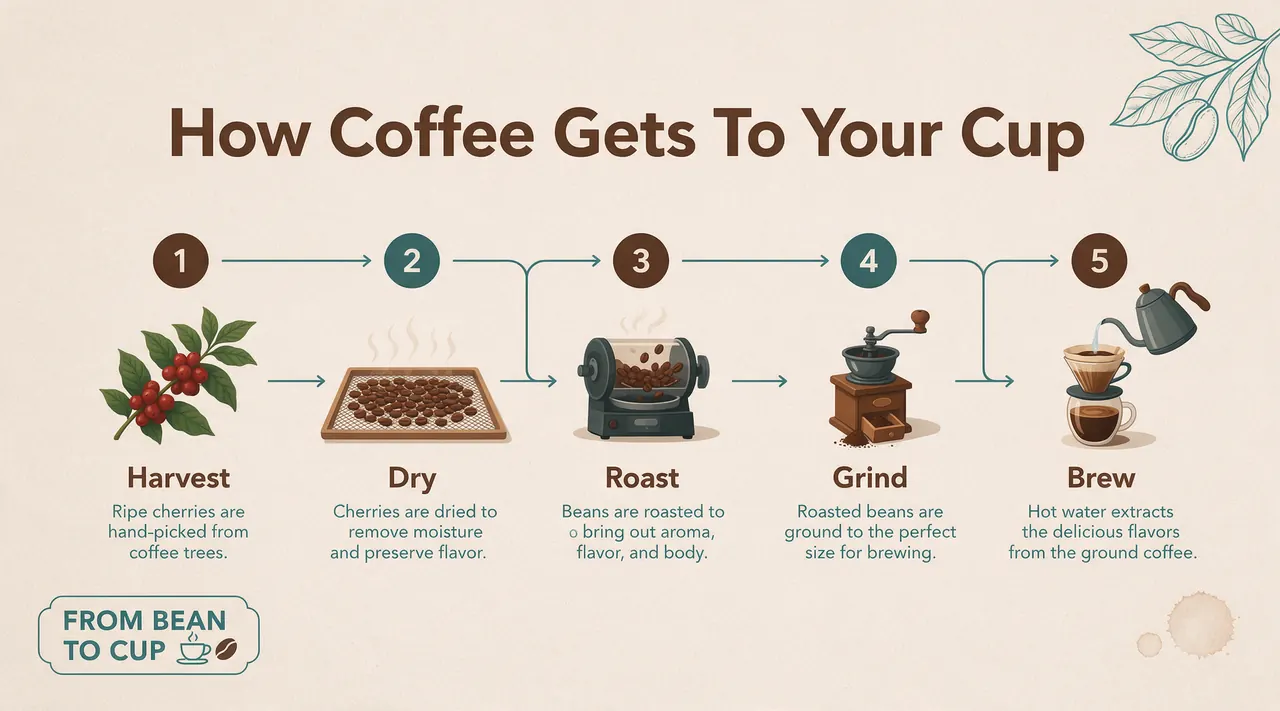
Slide infographic
Five steps with readable captions
Made on seedream6.dev

Localised sale poster
English, Chinese, Japanese and Thai on one layout
Made on seedream6.dev

Window-light portrait
Natural skin texture and soft daylight
Made on seedream6.dev

Banner product shot
Frosted bottle on wet stone, room left for copy
Made on seedream6.dev
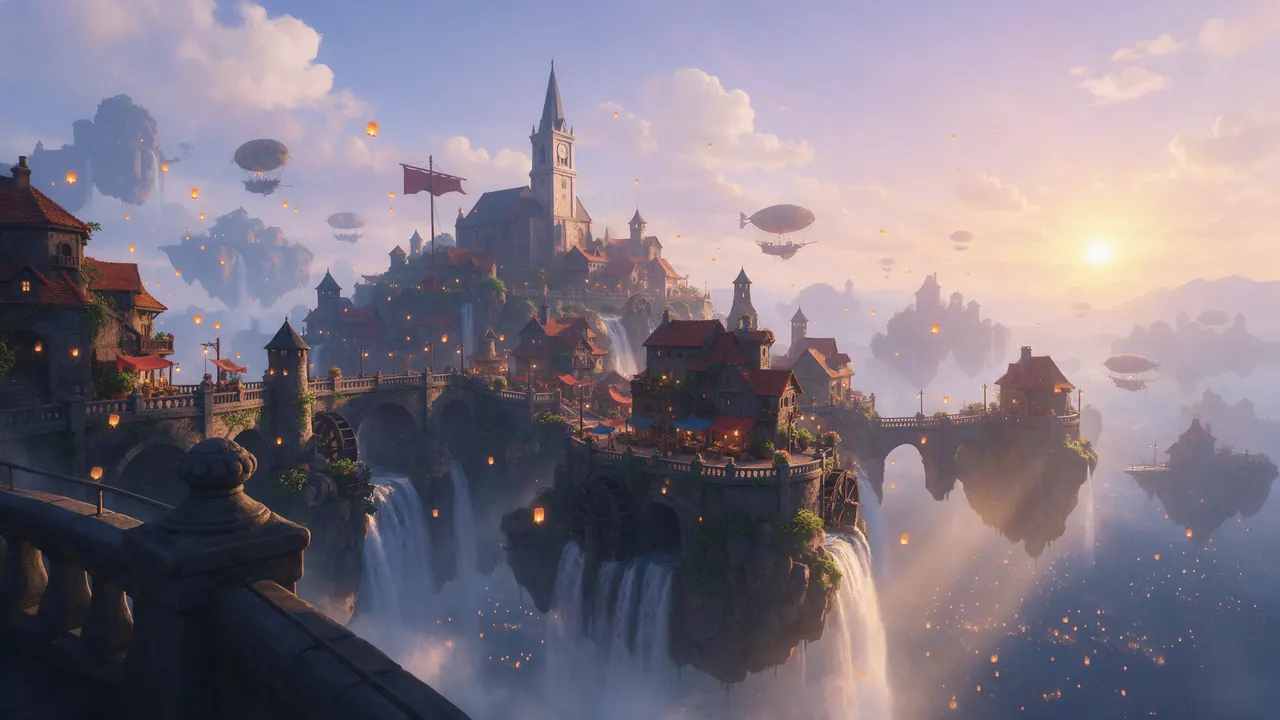
Game concept art
Floating island village at golden hour
Made on seedream6.dev

Spanish festival poster
Día de los Muertos altar with labelled callouts
Official ByteDance sample

Pet store web banner
Chinese headline, product cards and a call-to-action button
Official ByteDance sample

Manga page
Six panels with Japanese speech bubbles
Official ByteDance sample
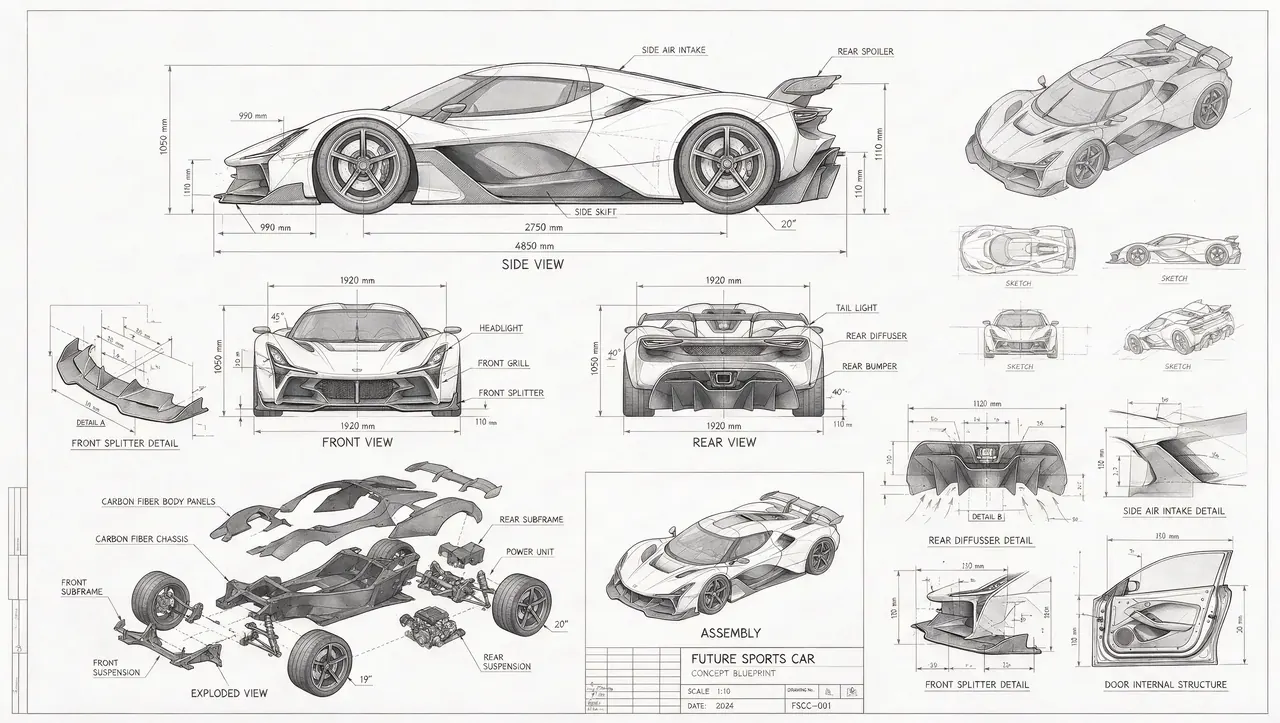
Concept car blueprint
Multi-view technical sheet with exploded parts
Official ByteDance sample
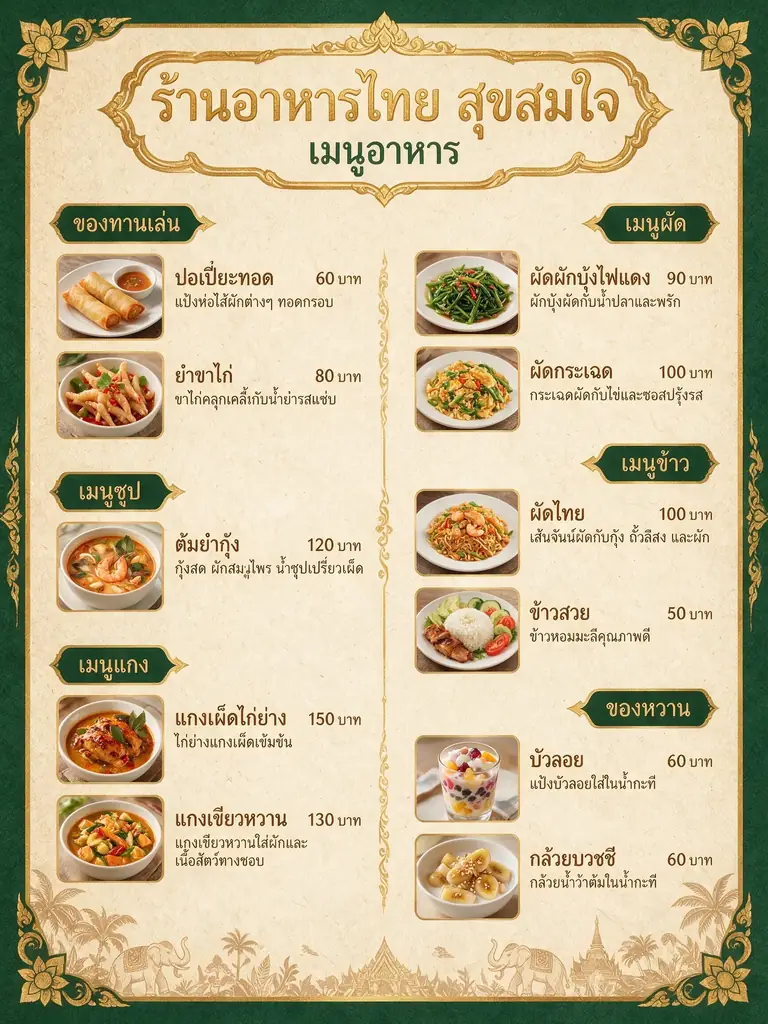
Thai restaurant menu
Thai script, prices and dish photos on one page
Official ByteDance sample
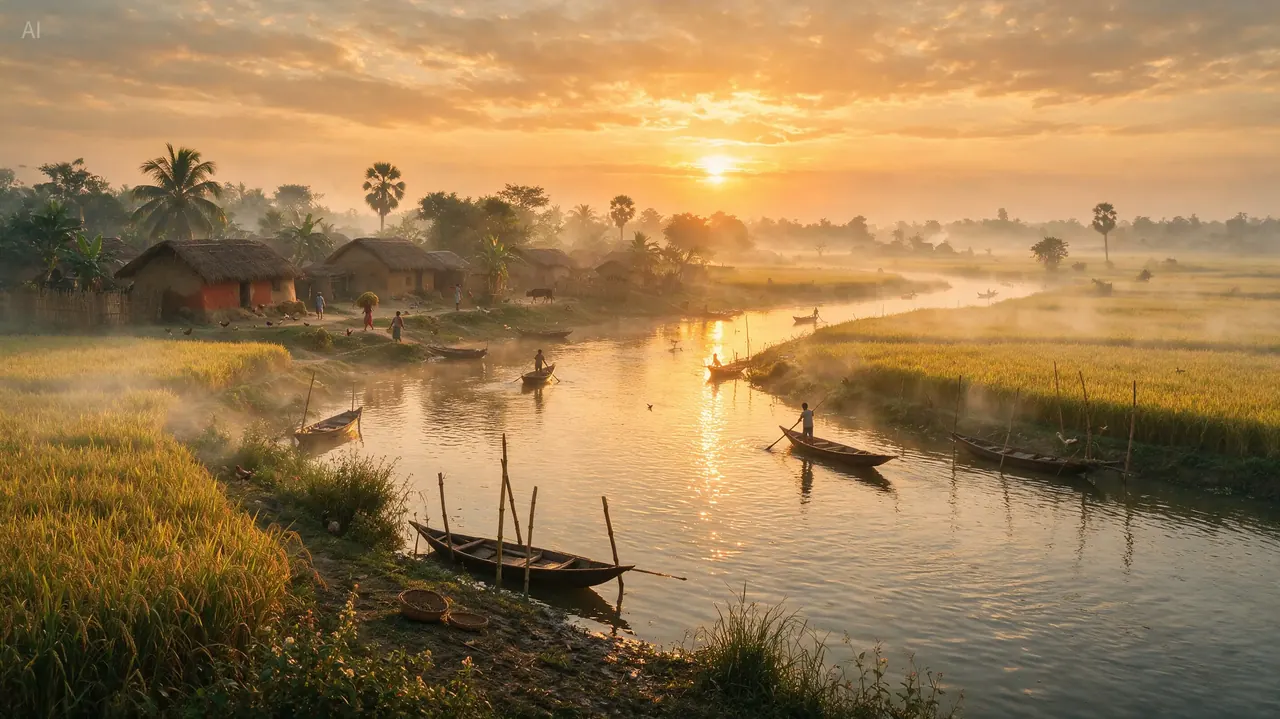
River sunrise
Mist, low sun and boats on still water
Official ByteDance sample
COMPARISON
Seedream 6 vs 5.5 vs 5.0 Pro: Where the Line Is Heading
Seedream 6 picks up where these two leave off. In three months ByteDance went from a layout-focused flagship to a model that edits for 80+ rounds, outputs transparency and splits an image into 100 layers — that is the pace Seedream 6 builds on.
| Seedream 5.5 (preview) | Seedream 5.0 Pro | |
|---|---|---|
| Released | Previewed October 2026 | July 2026 |
| Editing | 80+ rounds of stable multi-turn editing | Precise local edits by point, lasso, box or doodle |
| Layers | Splits an image into up to 100 layers | Separates subject, text and background |
| Transparency | Native RGBA transparent output | — |
| Text | Reliable small text in Chinese, English, Thai, Japanese, Russian and more, plus structured text recognition | Infographics and text in more than ten languages |
| Resolution | 4K at 16:9 | Up to 2K on this site; higher on some platforms |
| Prompting | Same prompt workflow as 5.0 Pro | — |
| Available here | Added as soon as it is released | Yes, in the image generator now |
Seedream 6 joins this table, and the generator, as soon as ByteDance releases it.
RELEASE DATE
Seedream 6 Release Date and Version History
Seedream ships fast: five releases in about thirteen months, each a clear step up from the last. Seedream 6 is next in line. ByteDance will set the date — we switch it on in the generator the day it is available.
September 2025
Seedream 4.0
Generation and editing in one model
December 2025
Seedream 4.5
Sharper detail and stronger consistency
February 2026
Seedream 5.0 Lite
Adds reasoning and web search
July 2026
Seedream 5.0 Pro
Layout-focused flagship
October 2026
Seedream 5.5
Editing, transparency, layers, text
Coming next
Seedream 6
Live here as soon as it is released
TRY IT NOW
Seedream Image and Video Generator
Write a prompt, pick a model and generate — every model listed works today, in your browser, with free credits for new accounts. Seedream 6 is already in the picker, ready to switch on at launch.
AI Image Generator
Text to image and image editing for product shots, posters, portraits and design assets.
Models available now: Seedream 5.0 Pro, Seedream 4.5, Nano Banana 2, Nano Banana Pro, GPT Image 2, Seedream 6 (Coming Soon)
Open the image generatorAI Video Generator
Turn a prompt or a still image into a short video clip, with audio on supported models.
Models available now: Seedance 2 Mini, H3 Max, H3 Max Turbo, Story Agent 2.0
Open the video generatorHow to Use the Generator
- 1
Describe it
Write what you want to see: subject, setting, light and any text that should appear.
- 2
Pick a model and size
Choose a model, aspect ratio and resolution. The credit cost shows before you start.
- 3
Generate and download
Results land in your history. Failed jobs refund their credits automatically.
FAQs
Seedream 6 FAQ
What is Seedream 6?
Seedream 6 is the next generation of Seedream, the AI image generation and editing model line from ByteDance’s Seed team. It follows Seedream 5.0 Pro (July 2026) and the Seedream 5.5 preview (October 2026), and continues their push toward design-grade layout, editing and text.
When is the Seedream 6 release date?
ByteDance has not set a public date yet. The line moves quickly — five releases from Seedream 4.0 in September 2025 to the 5.5 preview in October 2026 — and each one has arrived with its own post on the ByteDance Seed blog. We switch Seedream 6 on in the generator here as soon as it is available.
What will Seedream 6 improve?
ByteDance will publish the details at launch, but the last two releases show the direction. Seedream 5.0 Pro added infographics, precise local editing, layer separation and multi-image fusion; the 5.5 preview pushed that to 80+ rounds of stable editing, native transparent output, up to 100 layers, 4K at 16:9 and reliable small multilingual text.
Can I use Seedream 6 on this site?
Seedream 6 is already listed in the image generator’s model picker and becomes selectable the moment it is available. Until then you can create with Seedream 5.0 Pro, the newest Seedream live today — your account, credits and history carry straight over.
Which Seedream model can I use right now?
Seedream 5.0 Pro and Seedream 4.5 are both live in the image generator, alongside Nano Banana 2, Nano Banana Pro and GPT Image 2. Seedream 5.0 Pro is the newest of them and the base Seedream 6 builds on.
How does Seedream 6 relate to Seedream 5.5 and 5.0 Pro?
It is the release after them. Seedream 5.0 Pro arrived in July 2026 as the layout-focused flagship, and the 5.5 preview followed in October 2026 with multi-round editing, transparent output and layer separation. Seedream 6 is the next step on that path.
Is this the official Seedream 6 website?
No. seedream6.dev is an independent, unofficial guide, not affiliated with ByteDance, BytePlus or the Seed team. The official pages are seed.bytedance.com and BytePlus. "Seedream" is a trademark of its respective owner and is used here only to describe the models.
Is it free to try?
Yes — new accounts get free credits on signup with no card required, enough to run a first image or video. After that, paid use starts at the lowest subscription tier, and every job shows its credit cost before it runs.
Start Creating With Seedream Today
Generate with Seedream 5.0 Pro now and be first in line for Seedream 6. Your account, credits and every prompt and result carry straight over when it lands.